
Blog · April 2, 2026
Safe leftover scanning: read every line
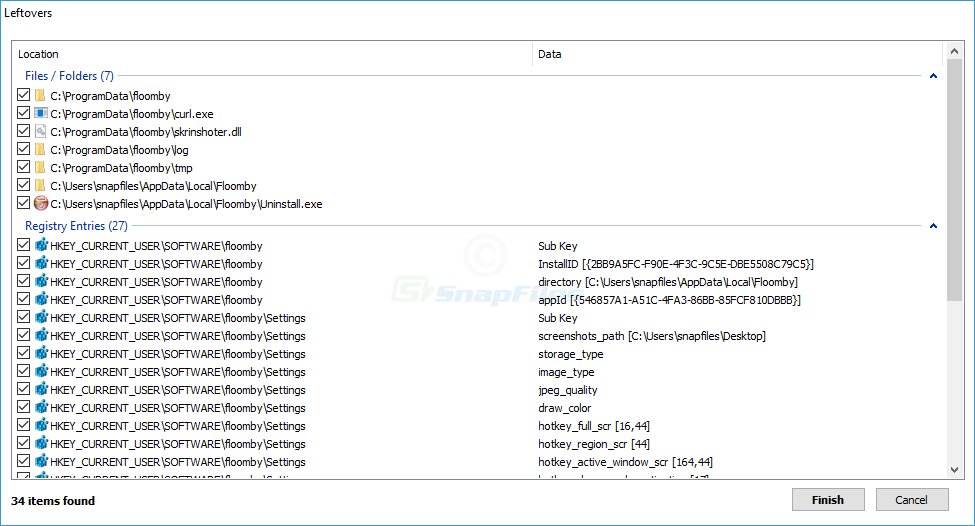
After a standard uninstall, specialized tools can suggest extra files, folders, tasks, and registry keys. Those suggestions are heuristic: they pattern-match against the product you removed. Treat the list as a workbook, not a shopping list to “select all.” See also the step-by-step workflow on the main guide.
Why generic paths are dangerous
Folders named Common Files, vendor directories shared by suites, or paths under Microsoft may host DLLs used by multiple applications. Removing them because one product uninstalled can break another product’s next launch. The same applies to certain Visual C++ redistributable registrations—covered in shared runtimes article.
Heuristics score “relatedness” using strings such as company name, product name, or install date proximity. Two different programs installed the same week can both reference a temp folder pattern; correlation is not causation.
A practical review checklist
- Does the path include the removed product’s name and look exclusive to it?
- Would deleting the folder remove game saves, cloud sync data, or license files you still need?
- Does the registry key belong to a class installer or a known shared component?
- If uncertain, search the publisher string online before ticking the box.
Batch delete vs line-by-line
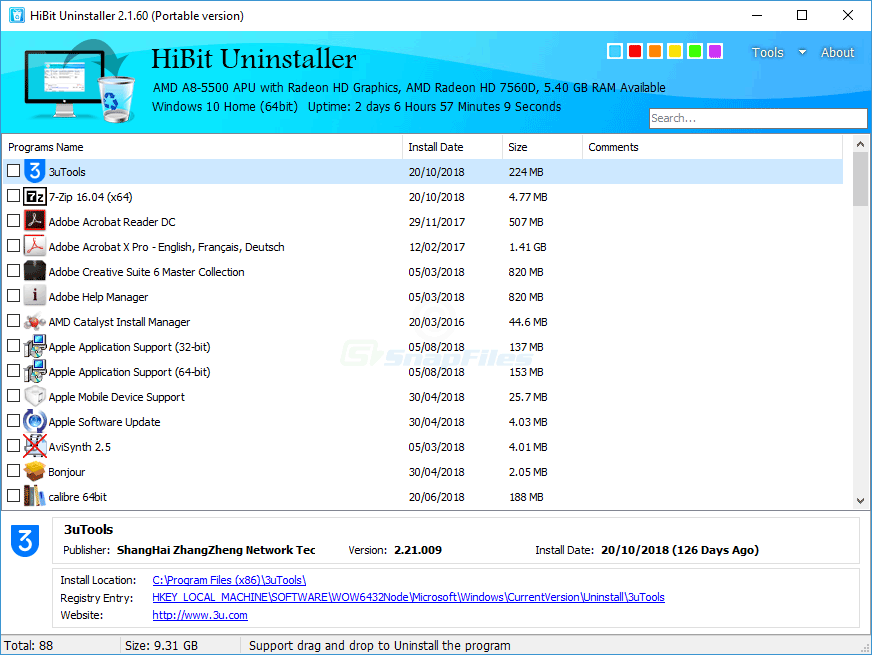
One-click “clean all” features optimize for speed, not safety. On shared PCs, prefer confirming each row. On technician benches where you already imaged the disk, you may accept more risk—but document what you removed for the handoff.
Games, launchers, and huge folders
Launchers often leave multi-gigabyte asset caches under AppData. Leftover scanners may flag them correctly—but you should still verify cloud sync and offline saves before deletion. When in doubt, move the folder to a quarantine drive instead of immediate delete.
After you confirm deletes
Reboot once, then verify: program list, startup items, and Event Viewer for application errors. If an unrelated app fails, roll back via restore point or reinstall the dependency you touched.