
Blog · April 2, 2026
Uninstall button greyed out in Apps & Features
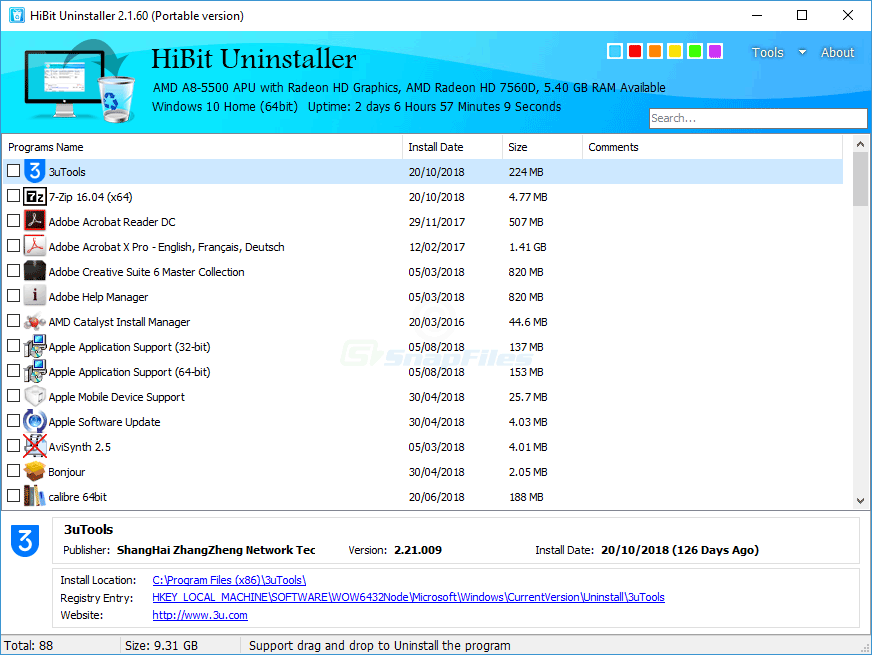
A disabled uninstall button usually signals Windows cannot invoke the registered uninstall command—not that malware is present (though you should still verify unknown publishers). This matches the troubleshooting table row on greyed controls and the glossary definition.
Common causes
- Missing MSI package — the product was installed from an MSI whose cached file is gone; Windows cannot run repair or uninstall from cache.
- Broken registry uninstall key — the path to
UninstallStringpoints to a deletedsetup.exeor wrong working directory. - Elevation — some entries only expose uninstall to administrators; a standard user sees a greyed control.
- Component protection — certain system features and some Store-managed bundles cannot be removed the way desktop Win32 apps are.
- Corrupted app registration — partial upgrades or aborted installs can leave a shell entry with no valid handler.
Try before forced uninstall
- Open Settings signed in as an administrator or switch to an admin account for that session.
- Locate the original installer or a matching version from the vendor; run repair, then uninstall—this often restores missing MSI metadata.
- For MSI-based products, use Microsoft’s Program Install and Uninstall troubleshooter (consumer) or capture MSI logs with verbose logging (pro) to see the failing command line.
- Confirm the app is not Store-delivered if you expected a Win32 uninstall string; policy can hide the button entirely.
- Only then consider forced uninstall with a restore point and documented backups.

When to escalate
If the product is security software, VPN, or disk encryption, use the vendor’s dedicated removal utility first. Forced removal of kernel drivers can leave the machine unbootable. IT-managed devices may need a ticket rather than local registry surgery.